Nobody really chooses their video chat hardware. We grab whatever is within reach: the phone lying on the nightstand, the laptop already open on the desk. And yet that unconsidered gesture decides a large part of what happens next — the average length of your exchanges, the way the stranger reads your face, and even the kind of conversation you're able to sustain.
Random video chat guides talk endlessly about lighting, framing and opening lines. The device itself is treated as an interchangeable detail: "it works on mobile too." That's wrong. A smartphone held at arm's length and a computer resting on a stable surface produce two distinct social experiences, with opposite strengths and blind spots.
This article compares the two honestly: what mobile gains in spontaneity and loses in credibility, why a computer stretches conversations without anyone quite knowing why, what a tablet does better than both, and how to fix the flaws of the device you already own.
Two devices, two body postures
Before talking about sensors and microphones, we need to talk about bodies. Your device determines your posture, and your posture determines your presence.
With a smartphone, you're mobile: lying down, slouched, standing in a hallway, walking. Your arm holds the device, so it tires, so the image moves. The distance between lens and face shifts constantly, often between 25 and 50 centimetres — a closeness that real social life reserves for intimacy.
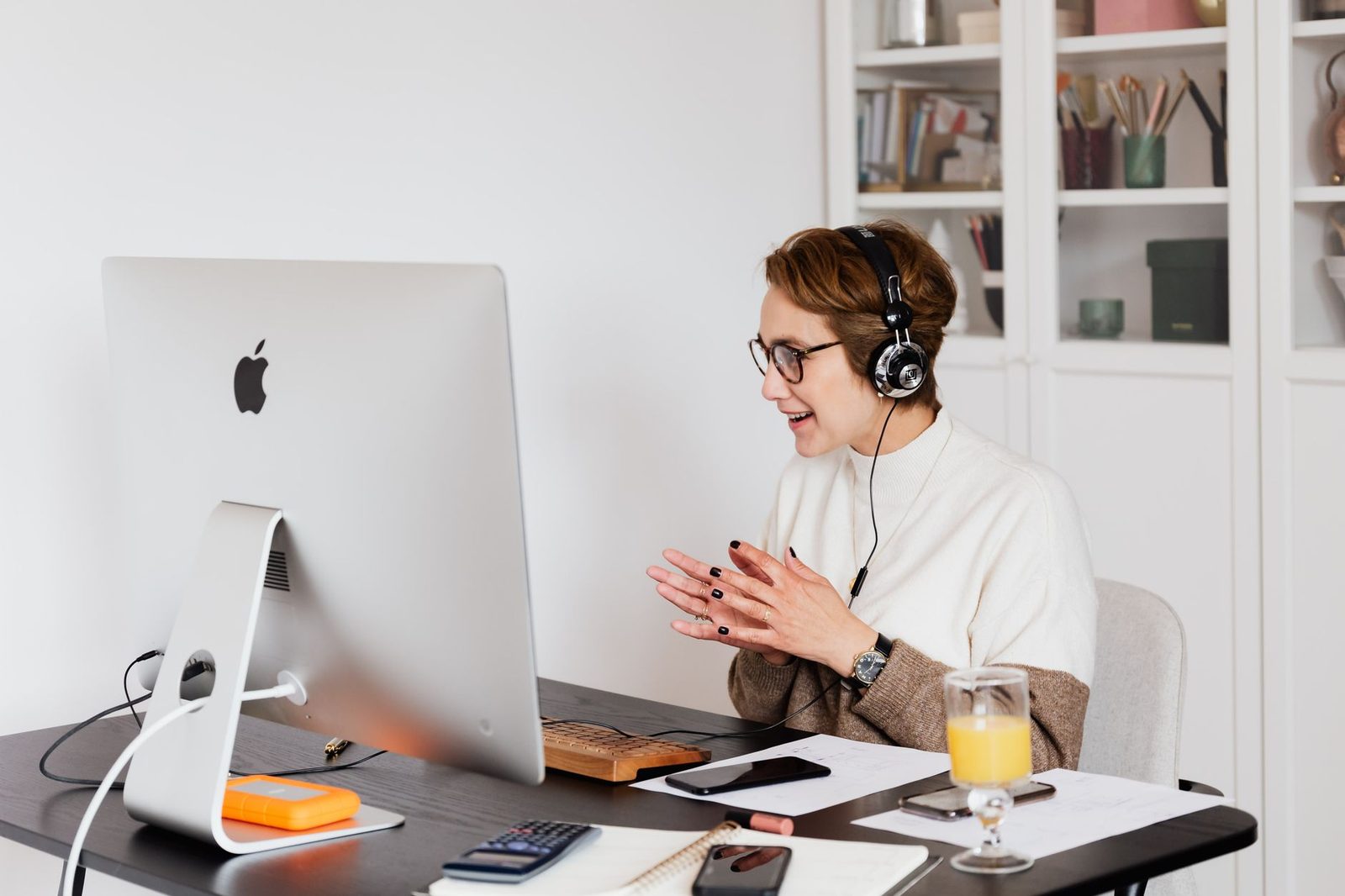
With a computer, you're seated, facing a fixed surface, 50 to 70 centimetres from the lens. That's exactly the distance of ordinary social conversation. Your upper body is visible, your hands enter the frame when you speak, your head stays in the same place.
| Smartphone | Laptop | |
|---|---|---|
| Distance to face | 25-50 cm, variable | 50-70 cm, stable |
| Framing | Face only, often cropped | Face + torso + hands |
| Stability | Low (arm, breathing) | High |
| Angle | Often shot from below | Often slightly from above |
| Comfortable duration | 10-20 min (arm fatigue) | 45 min and more |
| Startup | Instant | A few dozen seconds |
This difference isn't cosmetic. It changes the amount of non-verbal information you transmit. A face alone, tightly framed and unstable, reveals almost nothing of gestures, posture or shoulder orientation — all the signals your partner unconsciously uses to decide whether you're relaxed, interested, trustworthy.
Why a computer stretches conversations
There's a simple, almost trivial explanation: your arm. Holding a phone at face height is an isometric effort. After ten minutes, the shoulder protests. You switch hands, rest the device on a knee, the framing tilts upward from below, then you unconsciously decide it's time to move on to the next person.
A computer demands no effort at all. You can stay there forty minutes without thinking about it. That asymmetry alone explains part of a phenomenon well known to regulars: long conversations, the ones that run past the fifteen-minute mark, almost always happen between two people sitting in front of a stationary screen.
But there's a second mechanism, a more interesting one. A computer creates what you might call a commitment of place. You've settled in: you opened the device, chose a chair, angled a lamp. That small ritual signals to your own brain that you're here for a while. The phone, by contrast, is the object of the in-between: we use it in a queue, in bed, between two other things. The initial intention is different, and it carries through.
A mobile device produces short, numerous sessions. A stationary device produces long, rare ones. Neither is better — but they don't serve the same purpose.
If your aim is to practise approaching strangers, to take the drama out of hitting "next," to pile up dozens of micro-interactions, mobile is formidably effective. If you're after a real conversation, a sustained language exchange, an encounter that matters, the desk setup wins.
Image: the sensor paradox
Technically, your smartphone crushes your computer. The front-facing sensors on today's mid-range phones comfortably outclass the webcams built into laptops, which often top out at 720p with mediocre optics and rough noise processing. On paper, mobile should deliver the better picture.
In practice, the opposite happens most of the time, for three reasons:
- Stream compression. Random video chat platforms compress aggressively to cope with wildly varying connections. Past a certain threshold, a better sensor adds nothing visible: the difference is swallowed by the encoding.
- The mobile network. On 4G/5G, upload bandwidth fluctuates. An excellent sensor feeding an unstable connection produces an image that freezes, pixelates, then resumes. An average webcam on a stable fibre line produces a consistent image — and consistency is what the eye perceives as "quality."
- Light. A phone's front sensor is small. It compensates with software processing, which collapses in low light: grain, excessive smoothing, greenish tints.
This is where add-on gear changes everything, and not necessarily where you'd expect. Before considering replacing a webcam, fix the lighting. A small LED ring light placed behind the screen and aimed at your face transforms the image on a phone just as much as on a computer: it gives the sensor exactly what it lacks, and instantly removes the grain, the shadows under the eyes and the dubious colours.
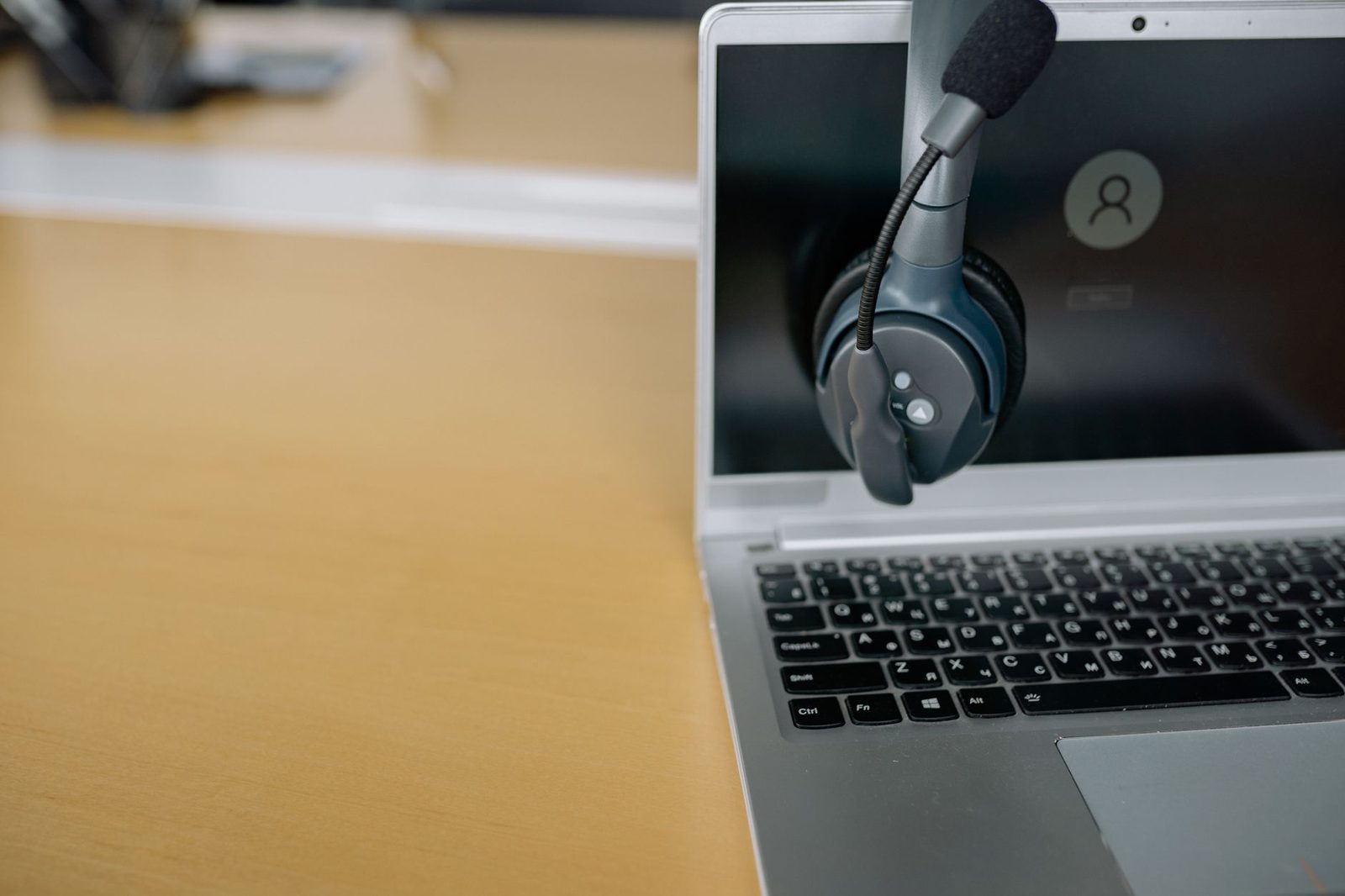
Then, and only then, comes the sensor question. On a laptop more than three years old, an external 1080p webcam delivers an immediate, visible gain: better optics, better contrast handling, and above all free framing, since you can place it higher or lower than the screen.
Sound: where mobile takes the lead back
The smartphone was designed for the voice. Its microphones are multiple, directional, and backed by extremely effective noise-reduction algorithms refined by decades of telephony. At close range, the result is often excellent.
A laptop's built-in microphones, meanwhile, sit near the keyboard and the cooling vents. They pick up fan noise, mouse clicks, and above all the room's echo, since they're far from your mouth and capture the wall as much as they capture you.
On a chatroulette-style site, that echo is a silent conversation killer. It creates an impression of distance, of an empty room, of someone poorly set up. Nobody will tell you "you've got an echo" — they'll simply move on to the next person.
The fix is simple and cheap:
- A wired headset or earbuds are enough to eliminate echo, since your sound no longer leaves through the speakers and loops back into the mic.
- To go further, a USB condenser microphone sitting on the desk, 20 to 30 centimetres away, gives your voice fullness, warmth and immediate credibility. It's the purchase that transforms a video chat experience the most for a modest budget.
- If you're using your phone, discreet in-ear earbuds free up your hand and keep the sound stable even while walking.
Stability: the detail that wears your partner out
A shaky image demands constant visual effort. Your partner won't put it into words, but their attention tires faster, and the conversation shortens mechanically.
With a computer, the problem doesn't arise. With a smartphone, it's systematic. The solution comes down to one object: a stand. A smartphone desk tripod, even a basic one, settles the framing and stability question for good, and frees both your hands — which, incidentally, restores part of your non-verbal language.
For anyone who often uses mobile from a bed or a sofa, an articulated clamp arm fixed to the edge of a piece of furniture is even more comfortable: the device stays at face height, at the right distance, with no muscular effort at all.
Tablet: the underrated compromise
The tablet is rarely mentioned, which is a shame: it combines several advantages.
- A screen large enough for the stranger's face to be legible, and therefore for micro-expressions to be perceptible.
- A smartphone-quality front camera, with good audio processing.
- A weight that makes holding it by hand for long impossible — which naturally pushes you to set it down, and therefore to stabilise the image.
Propped on a case-stand or a small angled dock, 50 centimetres away, it often delivers the best simplicity-to-result ratio of any device. Its main flaw: the lens is frequently placed on the long edge, which in landscape orientation shifts your gaze off to the side and makes it look as though you're not looking at the person you're talking to.
The gaze problem, shared by all three
Whatever the device, one structural problem persists: the camera isn't where you're looking. You stare at the face displayed on screen, so you never look at the lens, so your partner never receives genuine eye contact.
The larger the screen and the further the camera sits from it, the more visible the offset. On a smartphone, the gap is tiny: the lens is a few centimetres from the displayed face. On a large external monitor with a webcam perched on top, the gap becomes a clearly evasive gaze.
Two practical fixes:
- Shrink the conversation window and place it just below the camera, at the top of the screen. The offset drops to almost nothing.
- During important moments — a personal question, a sincere answer — deliberately look at the lens for two or three seconds. It feels counter-intuitive, but it's exactly what television presenters do.

What your device says about you
There's one dimension that's almost always forgotten: your device sends a social message before you've said a word.
A close-up face, unstable, shot from below, filmed in the darkness of a bedroom, signals someone lying in bed late at night. That's not a moral judgement, it's an inference everyone makes instantly — and it will steer the conversation, sometimes in a direction you didn't want.
A steady torso shot, in a lit room, with an ordinary, readable background, signals someone settled in, available, who "planned" to be there. Statistically, that kind of setting attracts people who want to talk.
In other words: your hardware filters your audience. That may be the single most useful point in this whole article.
Safety: different risks depending on the device
Random video chat platforms raise privacy questions, and the device is not neutral in this. The CNIL regularly points out that mobile apps often request far broader permissions than they need — access to contacts, location, photos — whereas a site visited through a browser on a computer only gets the camera and the microphone.
A few sensible habits:
- On mobile, check in your system settings which permissions the app has actually been granted, and revoke everything that isn't the camera and microphone.
- Prefer the browser over the app whenever the platform allows it: the exposed data surface is far smaller.
- Turn off location before a session, on every device.
- On a computer, an adhesive webcam cover remains the simplest way to guarantee no stream goes out unless you've decided it should.
- Never show, intentionally or not, anything identifying: mail lying on the desk, a recognisable view through the window, a parcel label.
What to choose, in practice
There's no good device, only a device suited to an intention.
| Your goal | Recommended device |
|---|---|
| Practising, defusing the approach, high volume | Smartphone, short sessions |
| Long conversations, language practice | Computer on a desk, headset |
| Simple, effective compromise | Tablet on a stand |
| Total mobility, waiting moments | Smartphone + earbuds |
| Maximum quality, regular use | Computer + external webcam + USB mic |
And if you only remember three moves, whatever your device:
- Put it down. A stable device beats a high-end one held in the hand.
- Light yourself from the front. Light beats the sensor, every time.
- Wear a headset. Echo drives away more people than bad framing ever will.
The rest — openers, listening, genuine curiosity — remains the heart of the matter. But there's no point polishing your first lines if the stranger only hears an echo and only sees a face trembling in the dark. Hardware doesn't make the conversation; it simply decides whether it's allowed to begin.